
ArtStation Changes Hands, Ragdolls Get Smarter and Rome After Dark
Welcome back to the Outpost.
This week we’ve got ArtStation changing hands, a useful update to Epic’s animation sample and a couple of tools that might make life inside Unreal a little easier. We’re finishing up with a trip to Rome after dark.
Here’s what caught our eye this week.
The Latest
ArtStation and Sketchfab Join KitBash
ArtStation and Sketchfab are leaving Epic and joining KitBash, the team behind KitBash3D and Greyscalegorilla. Epic say the move will let them focus on Unreal Engine 6, Fortnite and the Epic Games Store. There are no immediate changes, but if you use either platform this is one to keep an eye on.

Epic Rebuilds Its Animation Sample for 5.8
Epic have given the Game Animation Sample a big update. The star is a powered ragdoll that can fall, protect itself, roll and then use motion matching to get back up. There are shoves, tackles and takedowns too, along with new pose matching and Smart Object interactions. There is a lot here to pull apart if you work with character animation.
Unreal MCP Arrives in UEFN
Unreal MCP has made its way into Unreal Editor for Fortnite. It connects coding agents including Claude Code, Codex and Cursor directly to the editor to write Verse, configure devices and work with Scene Graph. Not everything works in UEFN yet, but if you have been waiting to try an agent inside a real project this looks like a good place to start.
 Epic Developer Community Forums
Toolbox
The Outpost’s Toolbox is for new or updated tools to help make your Unreal Engine experience a little bit easier.
Blueprint Anti-Pasta
Blueprint Anti-Pasta does exactly what the name suggests. It tidies up Blueprint graphs with one command, separating branches, moving data nodes towards the pins they feed and giving the whole thing a bit more room to breathe. You can run it on a full graph or just the nodes you select, and undo the whole layout in one go if it makes things worse.
 GitHub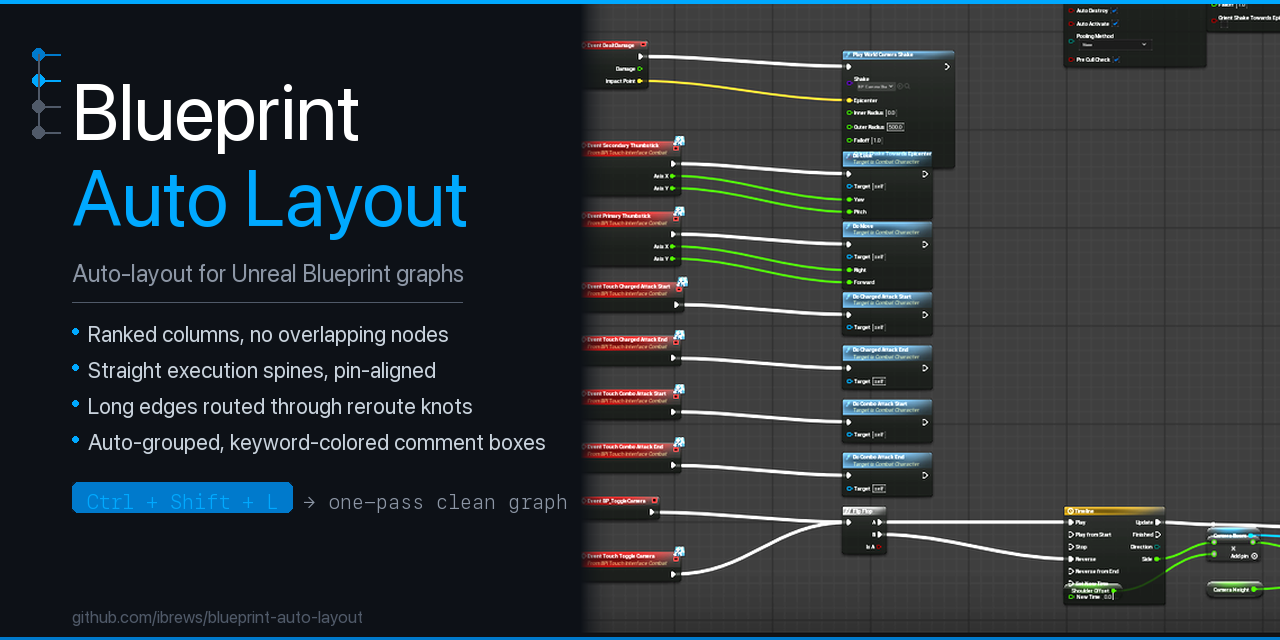
Texture Channel Packer
If you are forever jumping out of Unreal to pack texture channels, Texture Channel Packer might save you some time. It combines separate grayscale textures into one RGBA texture, comes with presets for ORM and MRA maps and gives you a live preview of each channel. You can unpack textures again too. It needs a C++ project to compile, but everything else happens inside the editor.
 GitHub
Pinboard
Check out the latest art we have been keeping a lookout for.
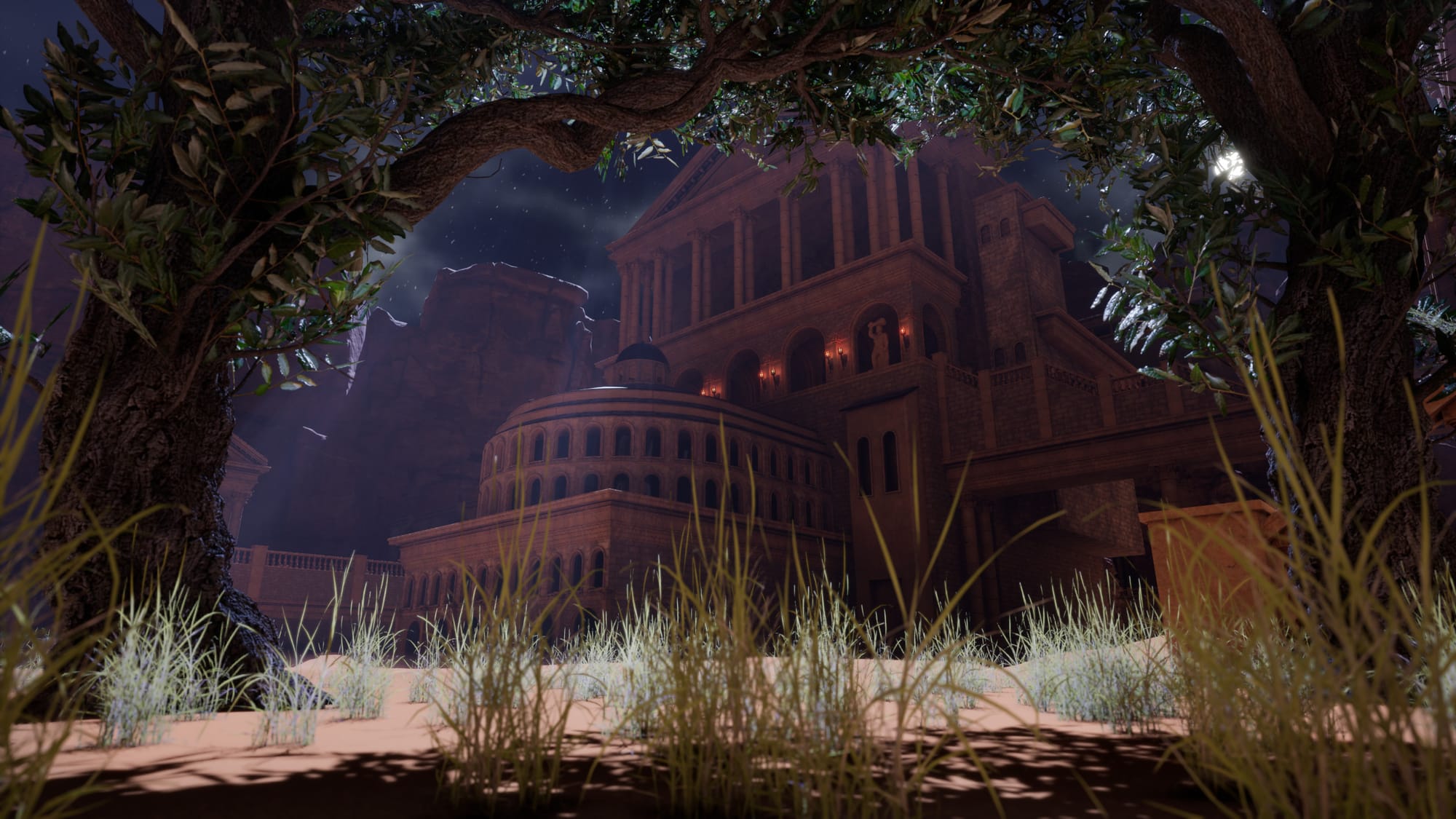
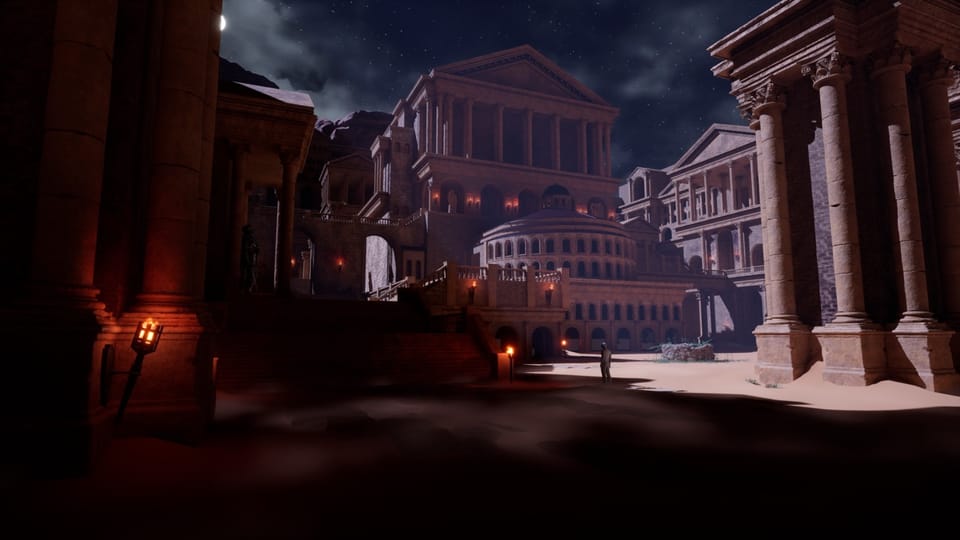
This week on the Pinboard we have Davide Maddalo’s Roman Real-Time Environment. The night shots look great, but make sure you open the full breakdown too. There is a closer look at the modular assets, sculpting, UVs, materials and lighting behind it all. The original concept art is by Luis Medina.
That’s it from the Outpost this week. Hopefully something here saves you a job or sends you down an interesting rabbit hole this weekend.
If you’ve built something, found a useful tool or spotted a story we should be looking at, find me on Bluesky at @unrealoutpost.com or email ollie@unrealoutpost.com.
We’ll be back next Saturday. Over and out from the Outpost.
Member discussion